Say Hello to Zano Matrix: Secure, Decentralized Messaging Powered by Matrix, Enabled by Zano Aliases


We're excited to announce another key cornerstone of the Zano ecosystem, secure, private messaging! Zano Matrix is officially ready for use! 🎉
What is Matrix?
Matrix is a communication protocol for decentralized messaging, voice, and video calls. It operates across a federated network, which allows users to host their own servers while staying connected to each other. Matrix is open-source and connects multiple platforms to allow seamless interaction between them. You can compare it to e-mail; someone who uses Gmail can still send emails to someone who uses Yahoo.
What is Zano Matrix?
Zano Matrix is a Matrix homeserver that creates accounts from Zano aliases. Your wallet signs a message to prove that you own the alias; neither the homeserver nor the Matrix client receives your wallet's private keys. Matrix clients support end-to-end encryption. In encrypted rooms, the homeserver cannot read message contents, but it can still see metadata such as account names, room membership, and message timing.
Why use Zano Matrix?
- Your Matrix account is tied to a Zano alias that you prove ownership of with your wallet.
- Standard Matrix clients such as Element support encrypted private conversations. Check the room shield before sharing sensitive information.
- You can use Element or another compatible Matrix client on desktop, mobile, or the web.
- Matrix can communicate across compatible homeservers, while Zano alias accounts sign in through zano.org.
You can start using the Zano Matrix Messenger here: https://messenger.zano.org/
How to get started
Before you begin, make sure your desktop wallet has a registered Zano alias. Zano Matrix uses that alias for your Matrix username. For the most up-to-date version of these steps, use the Zano Matrix guide.
- Open your Zano desktop wallet and wait for it to finish syncing.
- In Settings, set a master password if prompted, then enable Zano Companion.
- Right-click the displayed pairing secret and copy it. Install the official Zano Companion extension, open it, paste the secret, and choose a Companion password. Treat the pairing secret like a credential: paste it only into the official extension and never send it to anyone.
- Return to Zano Matrix Messenger and click "Connect wallet." Approve the connection in Zano Companion.
- Click "Sign up" and choose your Matrix password. Your Matrix username is created automatically from your alias as
@your-alias:zano.org; you do not create a separate username. - Install a Matrix client such as Element. When signing in, change the homeserver from
matrix.orgtozano.org, then use the Matrix username shown by Zano Matrix and the password you just created. - In Element, check the shield icon to confirm that the room is end-to-end encrypted before discussing anything sensitive.
If Companion is not set up yet, follow the Zano Companion guide for more screenshots and troubleshooting.
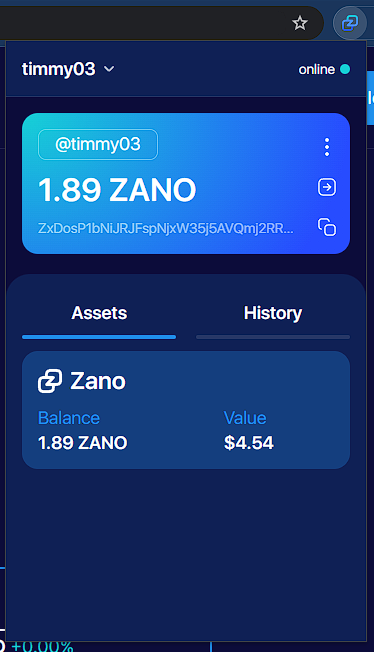
Zano Companion after pairing with the desktop wallet.
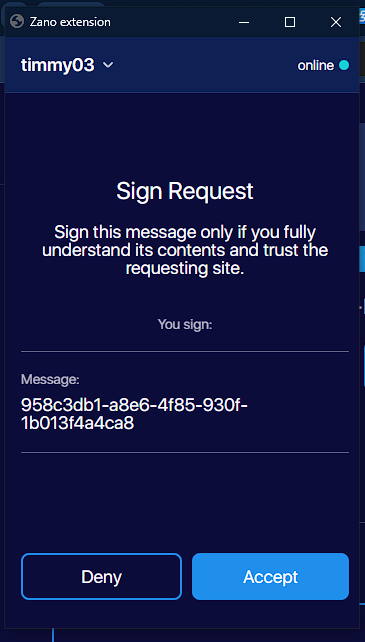
Approve the Matrix connection only after checking the requesting site.
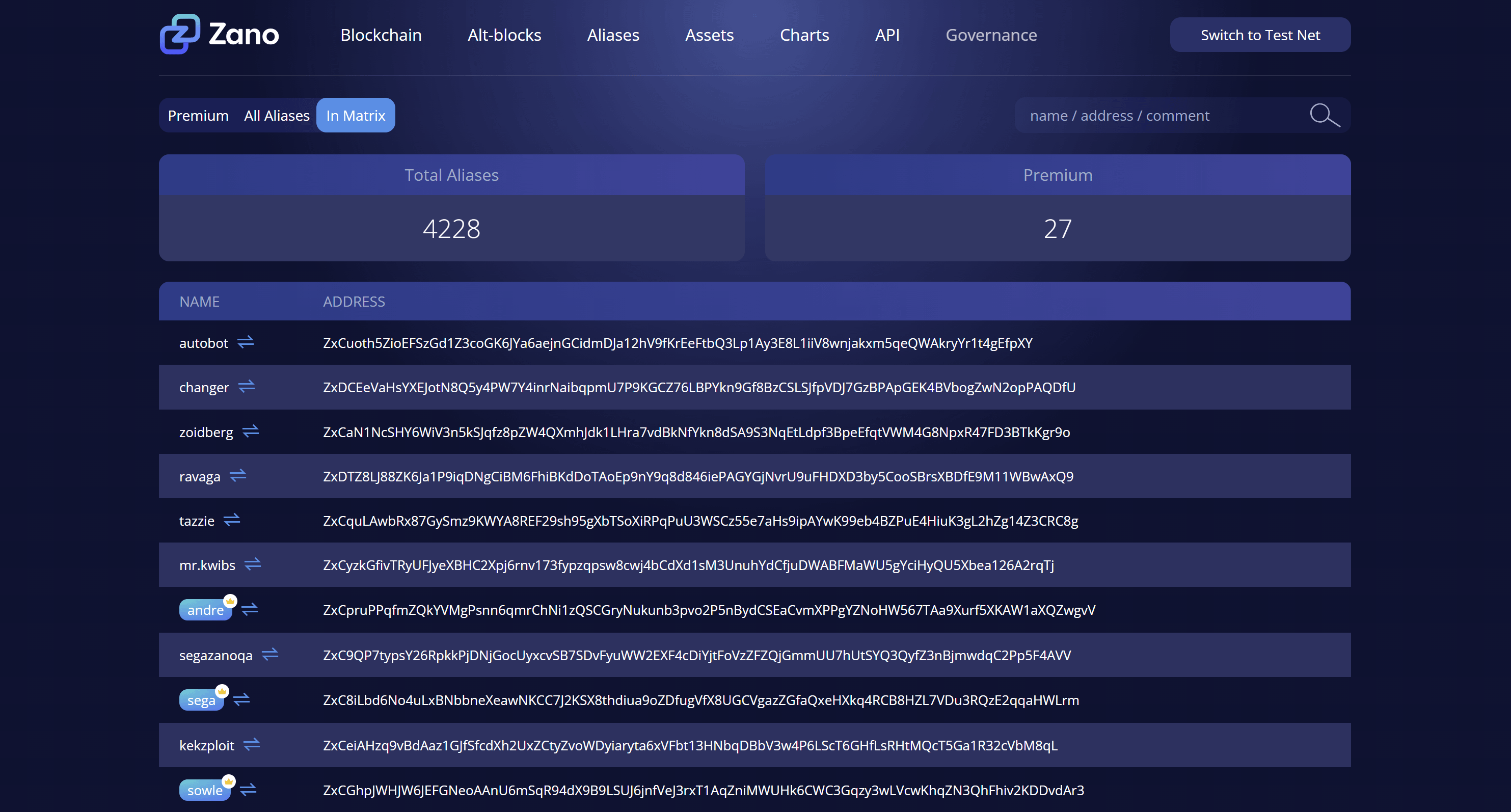
You can also start a one-to-one chat from the Zano Explorer.
Select the Matrix icon next to an alias to continue in your Matrix client.
Main Zano room links:
- https://matrix.to/#/#general:zano.org General chat
- https://matrix.to/#/#announcements:zano.org Announcements channel
- https://matrix.to/#/#community:zano.org Share community-made Zano content.
- https://matrix.to/#/#trade:zano.org Advertise your Zano Trade orders and find peers (Always trade through trade.zano.org to stay protected).